Quick Specs
Display: CRT
Colour: Green, White or Amber
Keyboard: LK201
Menu:
The VT220-Z (aka VT22Z) terminal was produced by the Australian division of Digital Equipment Corporation. Compared to the VT220 on which it was based, it adds:
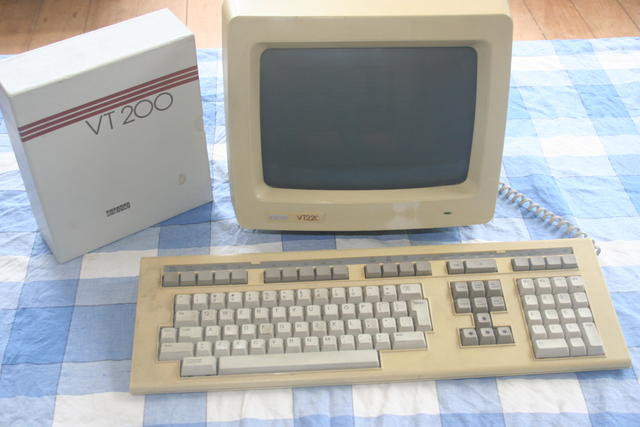
This one lived at GNS Science in Lower Hutt until the 20th of December 2008. It has a little bit of screen burn, but it isn't obvious while running. It has an amber CRT.
There isn't a lot of information in general about this model. Just a single reference on Google Groups stating the model was designed for the New South Wales Department of Health and then made generally available. And a YouTube video from Digital Diggings demonstrating the VT220-Z. If you have additional information about this model of VT220, send an email to david at this websites domain (without the www bit).
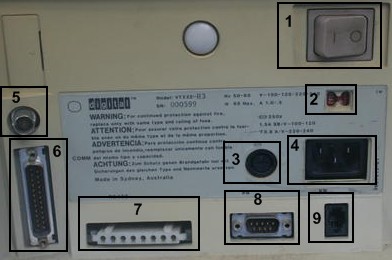
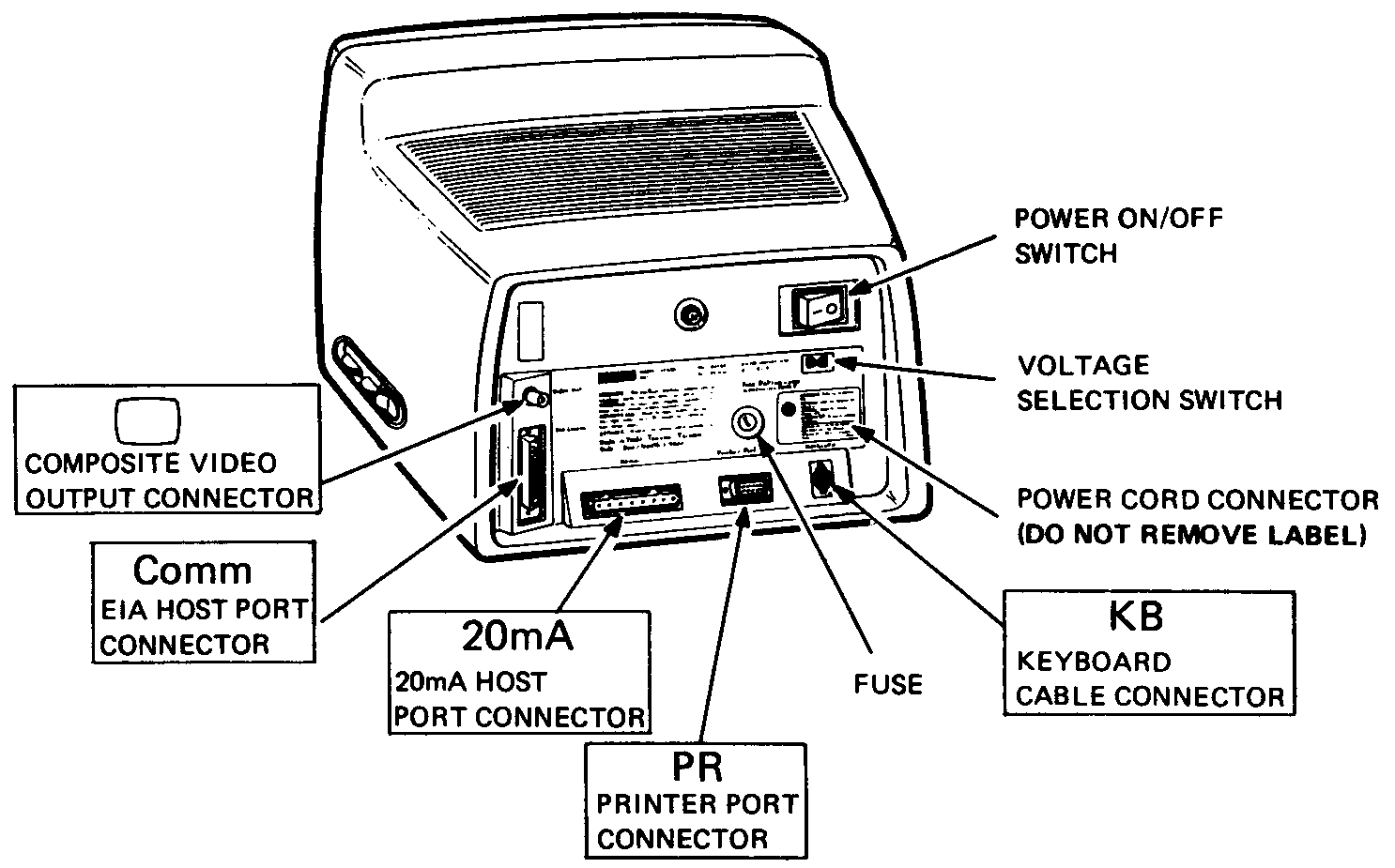
See this image (from the installation guide) for the ports labeled on the image.
The terminal supports a four screens of scrollback. You can scroll back (pan down) one line with Shift+Down, or an entire screen with Shift+Right. Shift+Up and Shift+Left do the reverse.
The SU and SD control sequences also work for panning the screen. For example, printf '\x1b[24T' will scroll up one screen. NP and PP work in a similar fashion.
Interestingly, the scrollback is not read-only; the host can choose treat it like a single large 96-line page moving the cursor anywhere within the scrollback with an extended CUP (CSI ? pl ; pc H) and request the cursors location within scrollback with an extended CPR (CSI ? 6 n). When in edit mode the Next Page/Previous Page keys on the keyboard move through scrollback presumably allowing forms longer than 24 lines.
Images of the terminal are available here.
At a minimum, this terminal had a specific Programmer Pocket Guide (EK-VT22Z-HR), and probably a dedicated Owners's Manual and perhaps Programmer Reference Manual. Unfortunately none of these are available online and the manuals I received with my VT220-Z are just the normal non -Z VT220 manuals.
If you have any of the VT220-Z manuals, please arrange to have them scanned and put online.
Links to manx pages are provided where available